Documentation

Get started with DX

DX is a connected toolchain for code, web, agents, media, search, and serialization. Start with an install, then pick the tool you need.

Install

Choose the command for your platform. Each one installs the DX CLI and makes the registered tools available.

curl -fsSL https://dx.essencefromexistence.com/install.sh | sh
npm install -g @essencefromexistence/tui
pnpm add -g @essencefromexistence/tui
bun add -g @essencefromexistence/tui
  • Windows, macOS and Linux: the curl installer picks the right binary
  • Node environments: npm, pnpm or bun install the same binary
  • The package verifies the SHA-256 before it installs

Command line

The dx CLI manages the tools registered for your machine. Run dx --help for the full command list.

  • Tool install metadata lives in the CLI's TOOL_REGISTRY
  • On Windows, binaries install to %LOCALAPPDATA%\dx\bin
  • Use dx update to refresh installed tools

Tools

Every tool is an independent repository with its own documentation and release assets. Browse the catalog on the download page.

Need a hand?

If an install fails or a command behaves unexpectedly, the support page lists the details to include in a report.


DX

DX platform showcase
curl -fsSL https://dx.essencefromexistence.com/install.sh | sh

The DX toolchain

Repository-managed tools that share one runtime, one config, and one release pipeline.

DX WWW: A React/Next-familiar framework that stays DX-managed end to end.

DX WWW

A React/Next-familiar framework that stays DX-managed end to end.

DX-WWW is the DX ecosystem web framework: a Rust-owned framework and server runtime for React/Next-familiar `.tsx` apps that can ship static HTML, no-JS routes, micro-runtime interactivity, and explicit client islands from one...

DX Style: Tailwind-familiar CSS, generated from your source, with no PostCSS chain.

DX Style

Tailwind-familiar CSS, generated from your source, with no PostCSS chain.

DX Icon: Find the right icon in milliseconds, offline.

DX Icon

Find the right icon in milliseconds, offline.

DX Check: Turn source health into a single score you can act on.

DX Check

Turn source health into a single score you can act on.

DX Check is a high-performance rules engine and diagnostic toolkit.

DX Forge: Version control for everything, not just text.

DX Forge

Version control for everything, not just text.

DX Metasearch: Search that you own, end to end.

DX Metasearch

Search that you own, end to end.

DX Metasearch is a blazing-fast, privacy-respecting metasearch engine written in Rust, inspired by SearXNG.

DX Serializer: Serialize once, read forever, at a fraction of the tokens.

DX Serializer

Serialize once, read forever, at a fraction of the tokens.

DX Driven: One orchestrator for every AI editor you use.

DX Driven

One orchestrator for every AI editor you use.

Driven solves the fragmentation problem in AI-assisted development.

DX Media: One toolkit for every media operation.

DX Media

One toolkit for every media operation.

DX Media is a universal media processing toolkit with source-aware providers, native utilities, and CLI/API tool metadata.

DX Harness: A test runner that understands your whole stack.

DX Harness

A test runner that understands your whole stack.

Inside the DX TUI

One terminal surface for chat, code, diffs, files, agents and media.

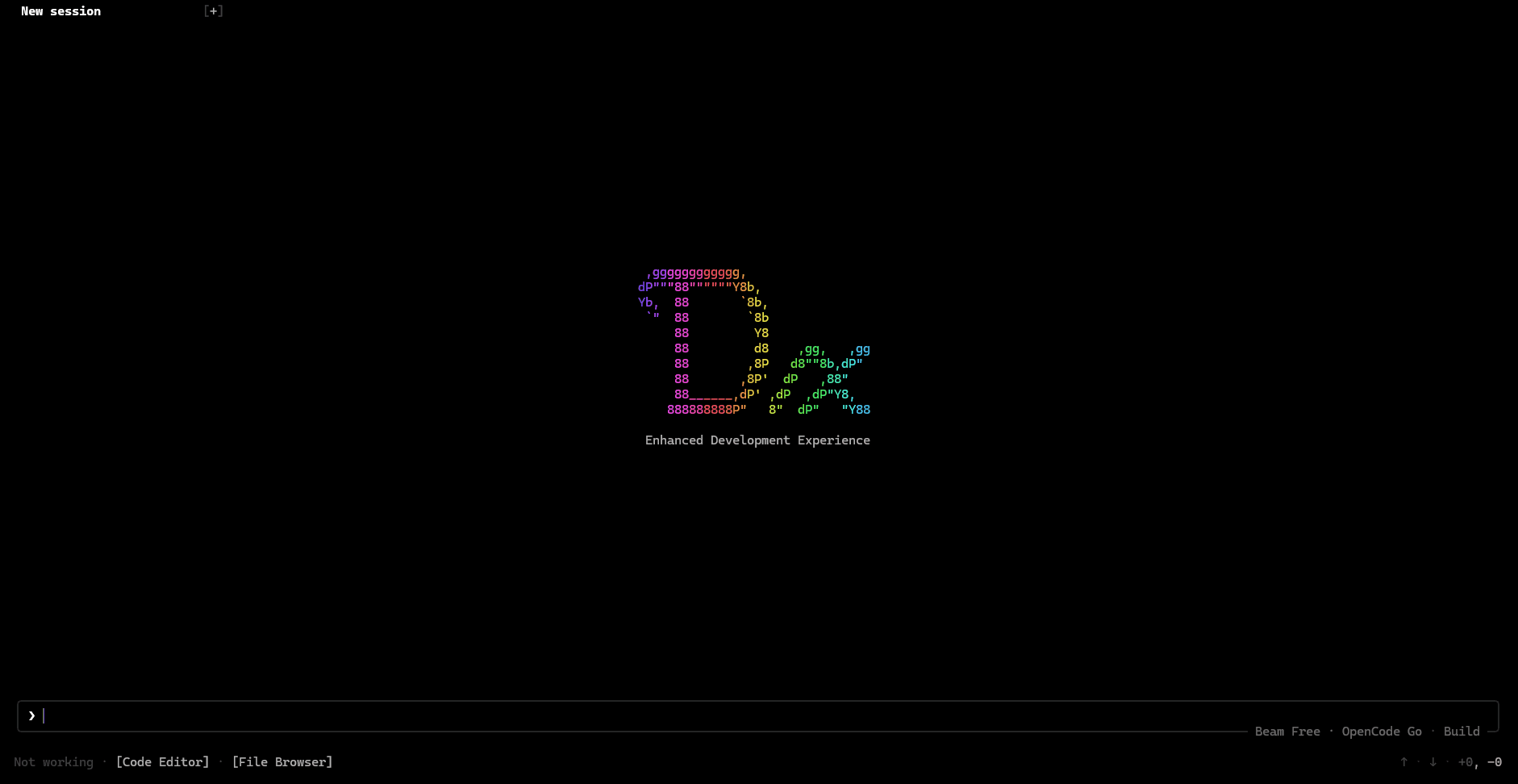
DX TUI: Splash

Splash

Start screen with the Dx mark and the command line ready to go.

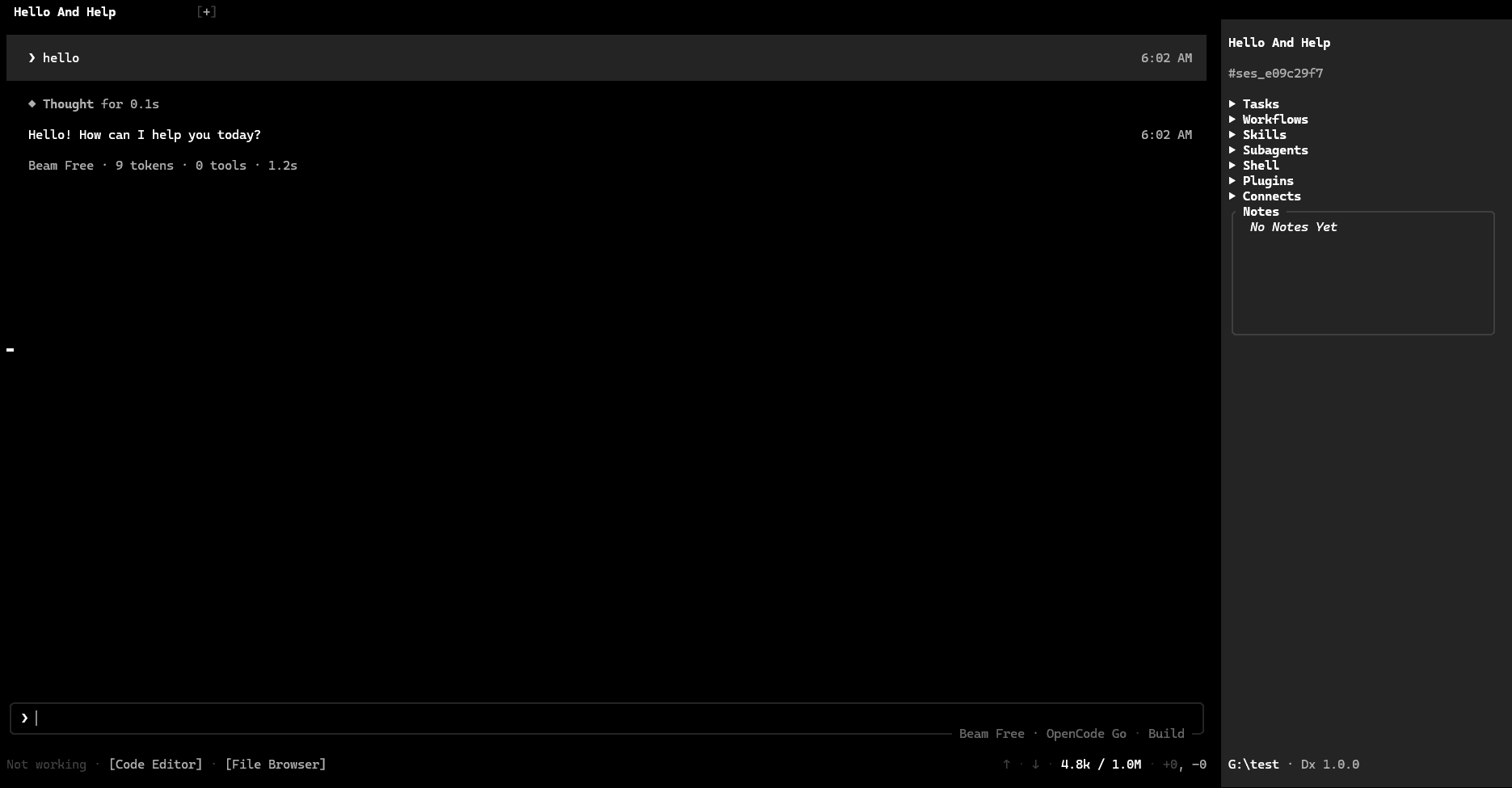
DX TUI: Chat

Chat

Agent conversation with thoughts, tool calls and token accounting.

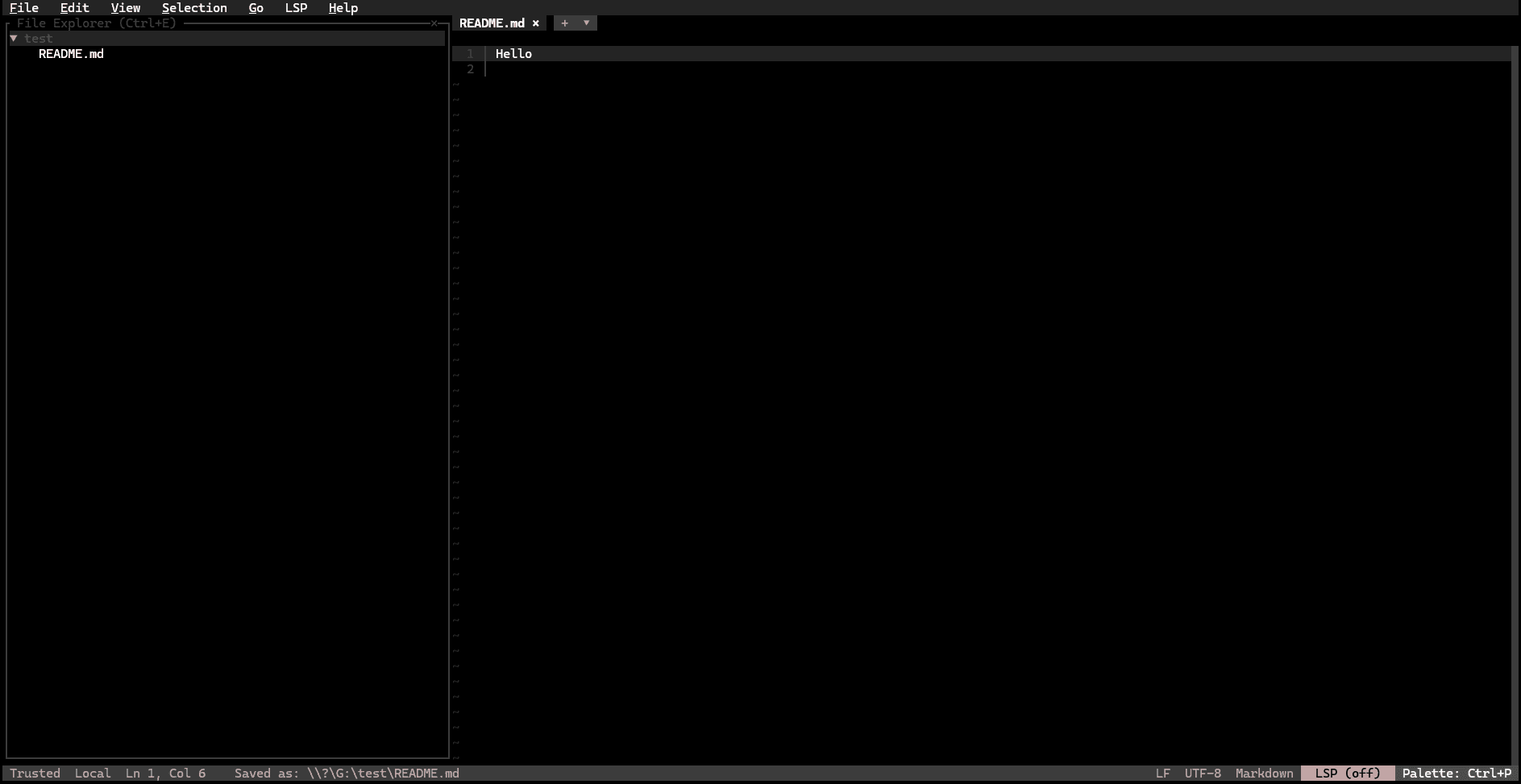
DX TUI: Code editor

Code editor

Buffer editing with syntax highlighting inside the same shell.

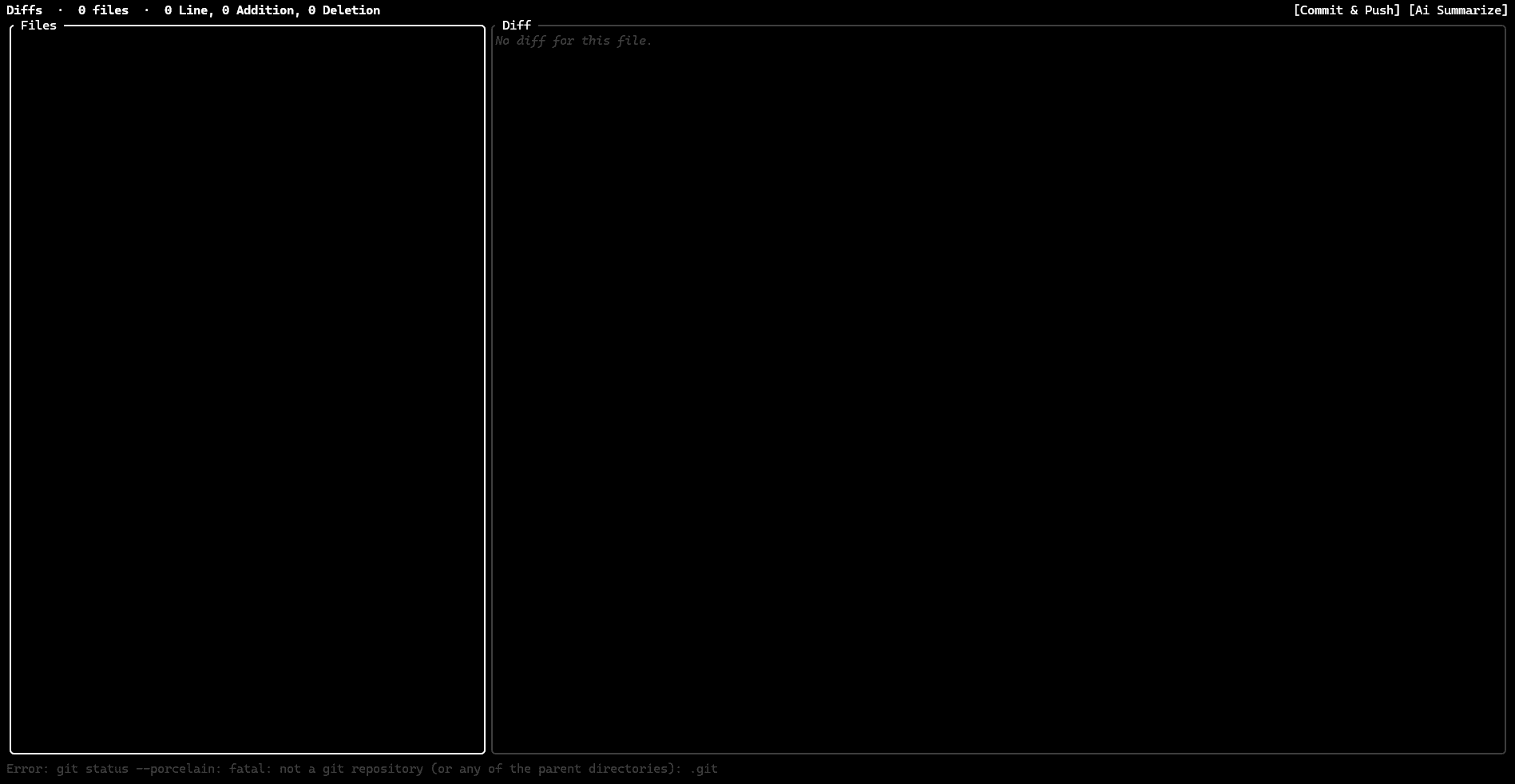
DX TUI: Diff

Diff

Per-hunk review before anything is written back to disk.

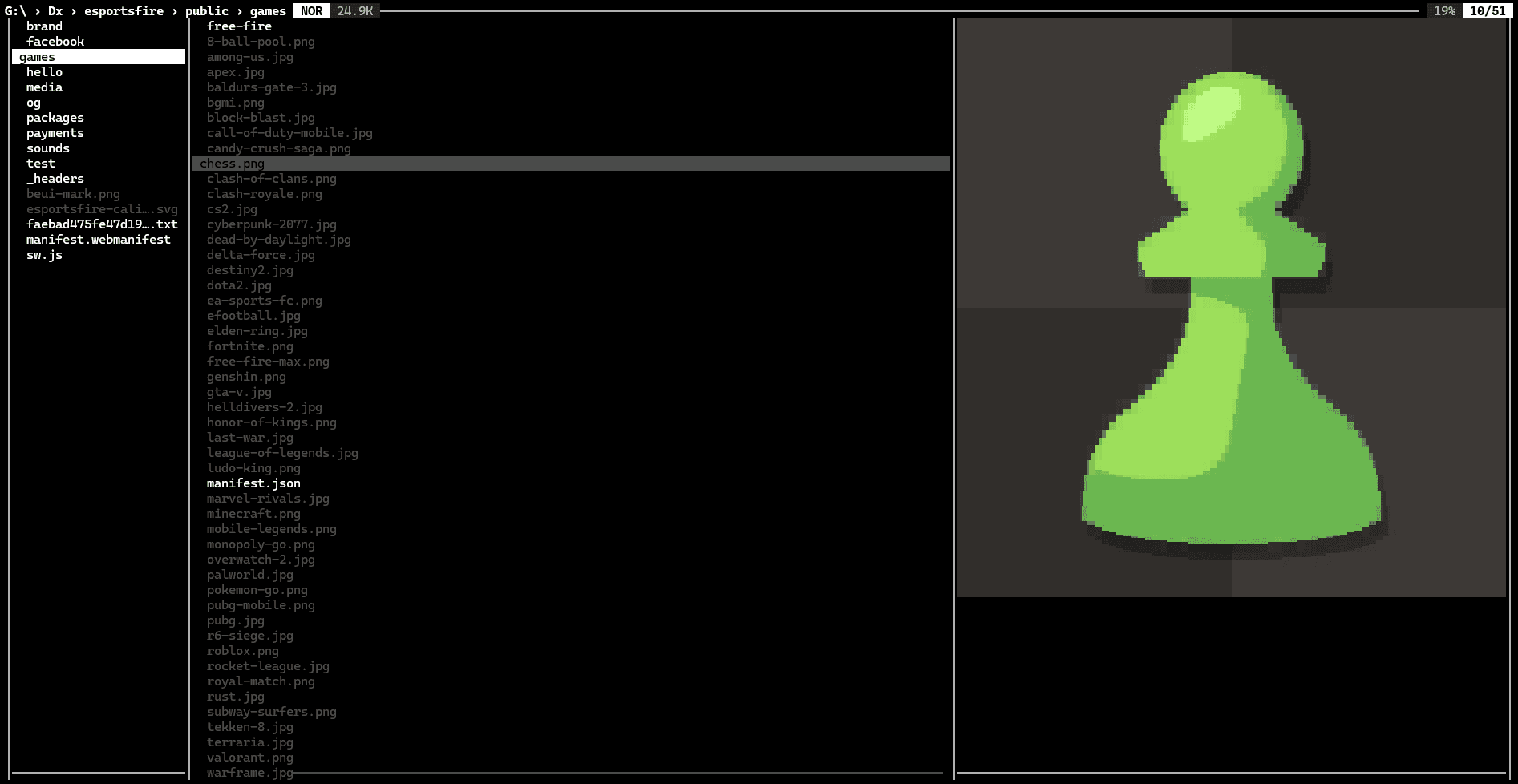
DX TUI: File browser

File browser

Tree navigation with inline image previews for the focused file.

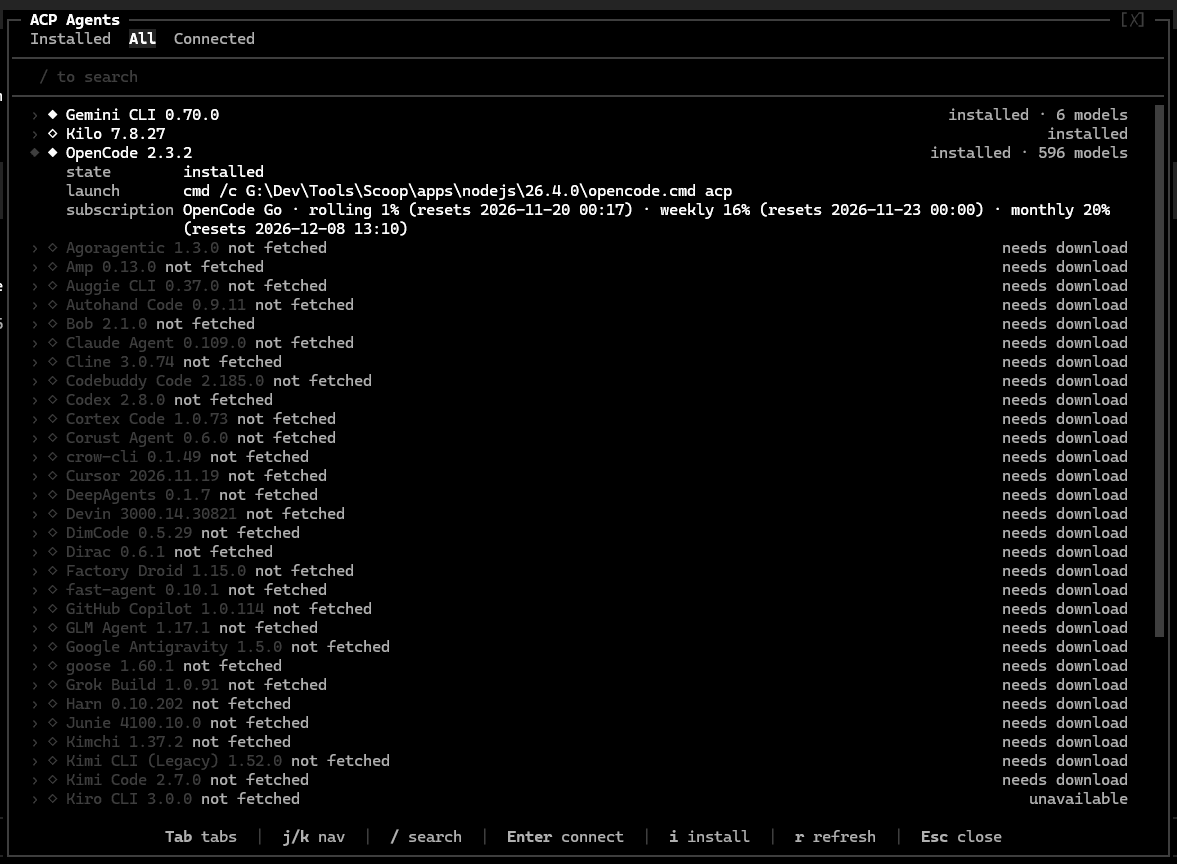
DX TUI: Agents

Agents

ACP agent panel showing what is connected, installed or available.

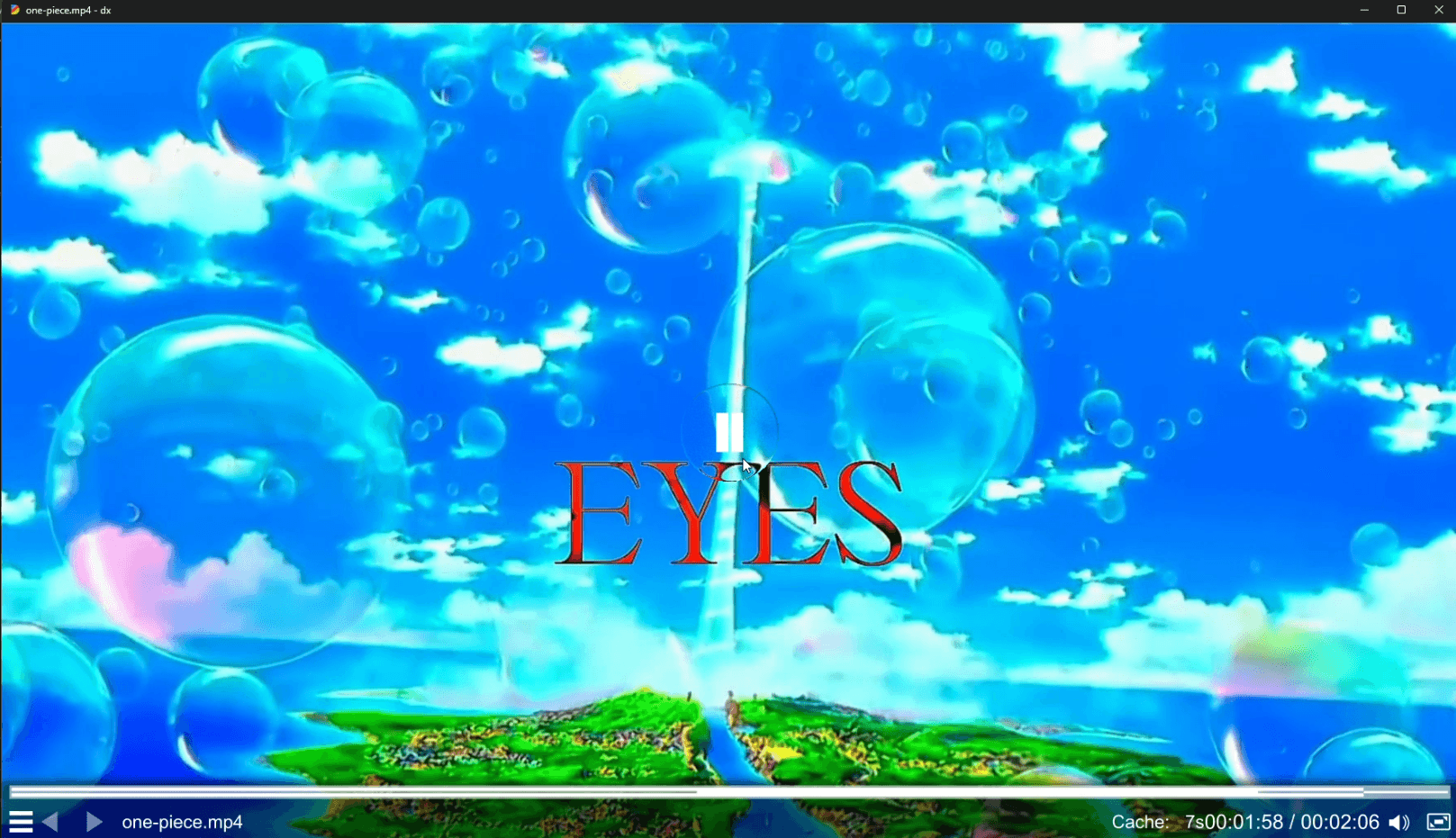
DX TUI: Video

Video

Video playback from the browser pane without leaving the terminal.

Languages

10+

Response Time

<50ms

Tools Available

40+

Uptime

99.9%